1 housing
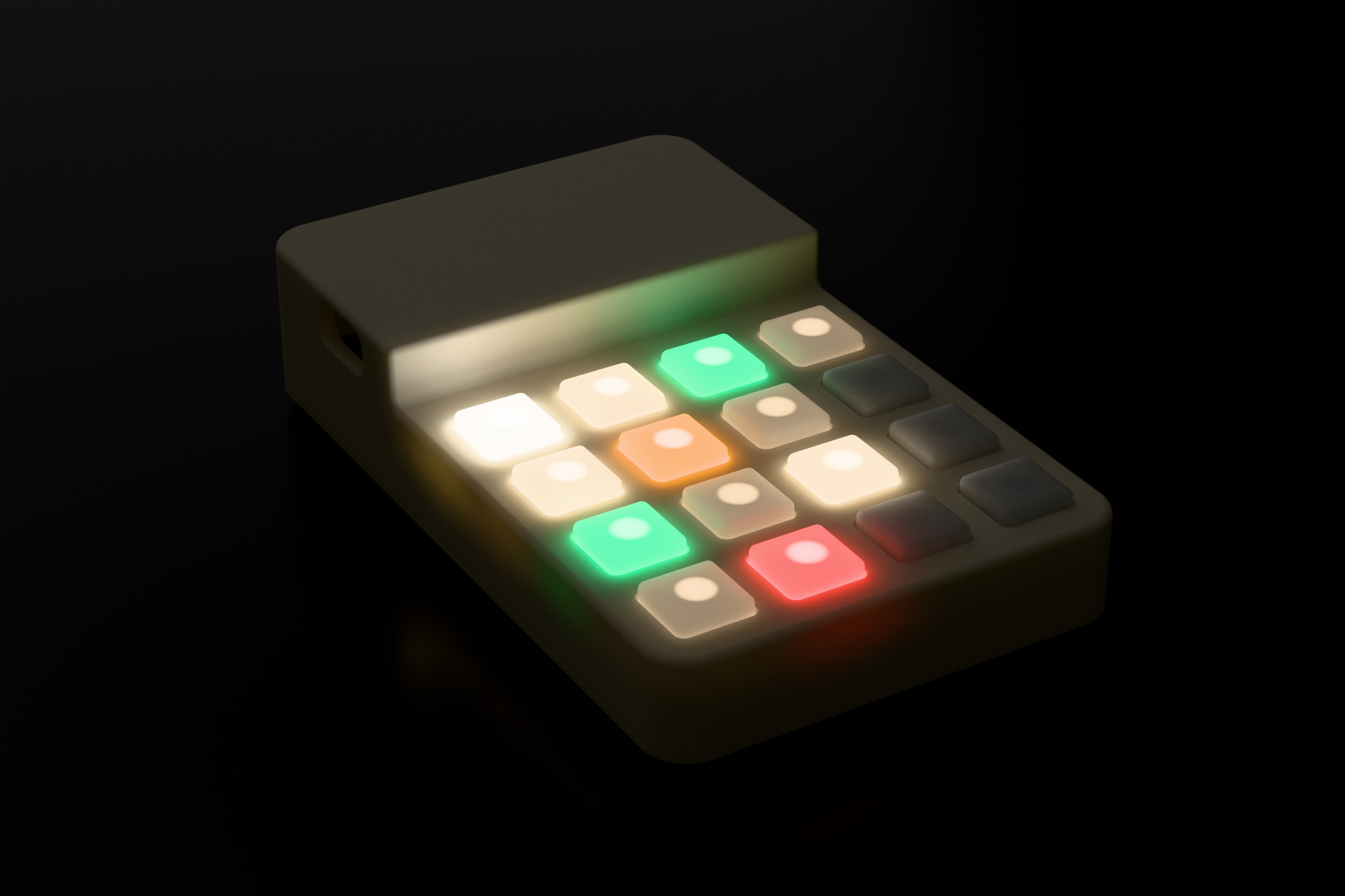
the key deck and the raised head in one part. the deck takes the place of the kit's faceplate and clamps the silicone onto the board. a usb-c slot in the left side.
a desk control surface for agents.
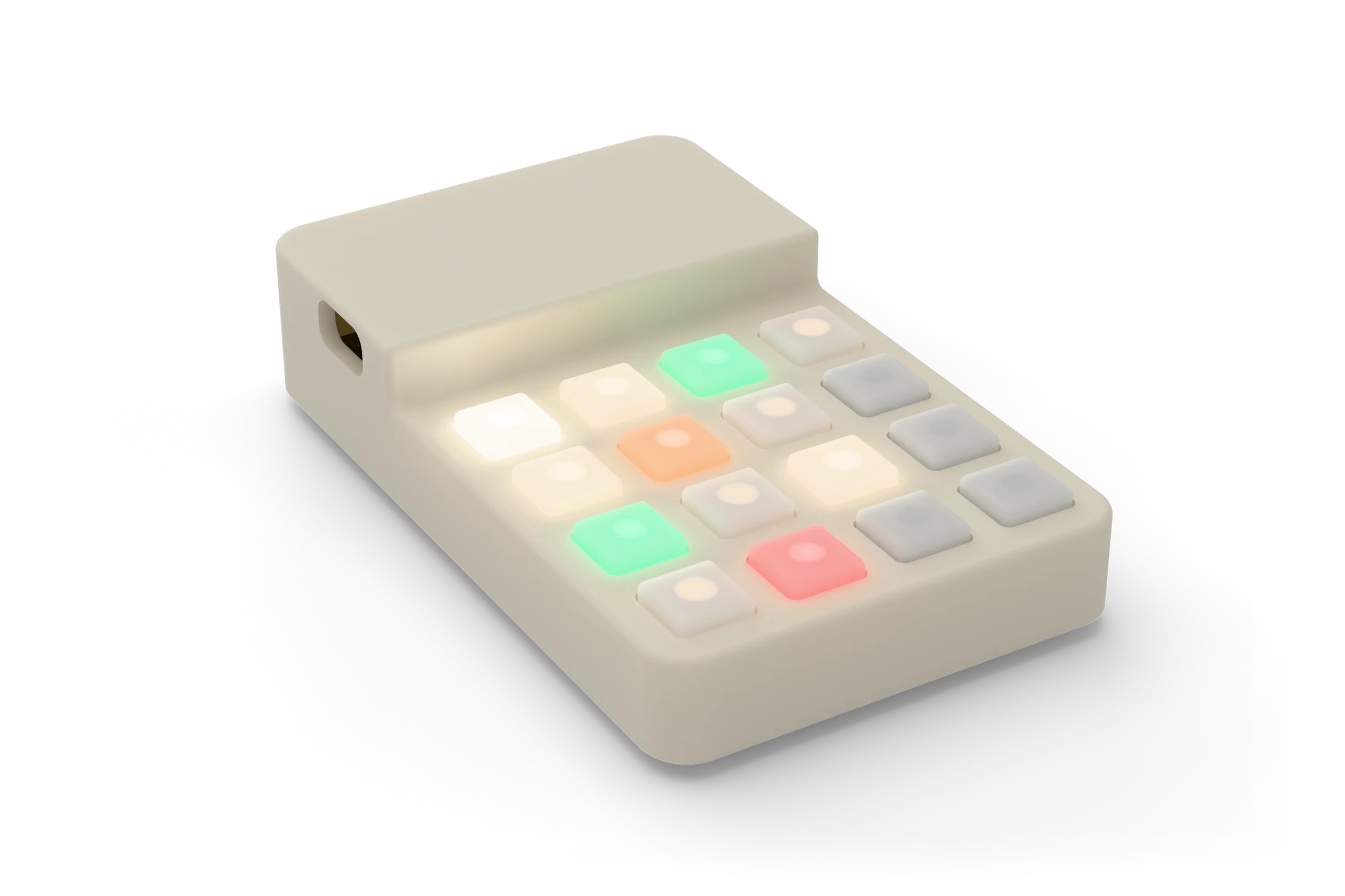
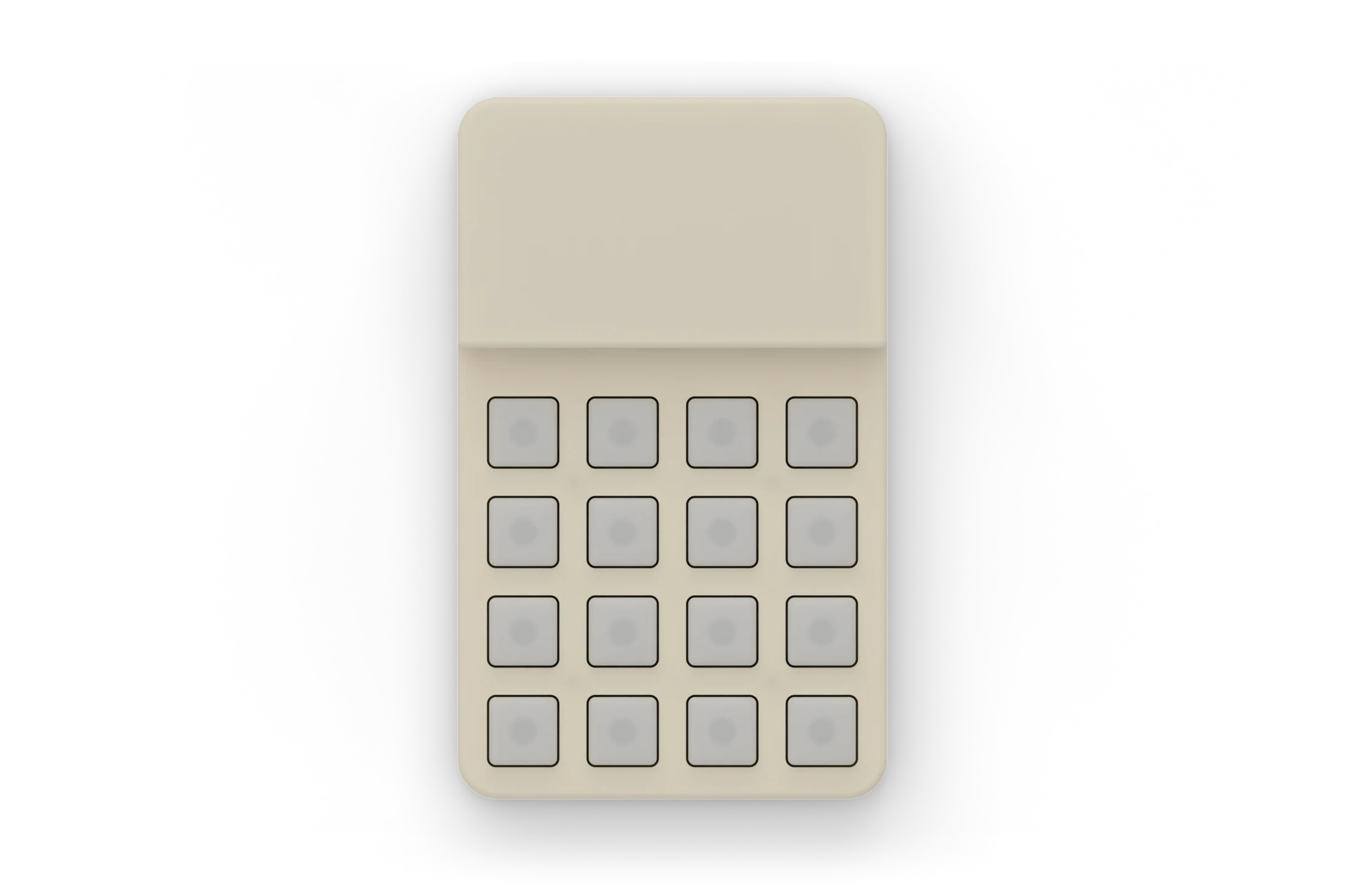
65.3 × 106.6 mm. a 14.5 mm key deck rising to a 22.6 mm head over the board
16 keys: four sessions, the first four tabs of each, an rgb led under every key
rp2040 on circuitpython 10.3.2. two small files, no libraries
one port, usb-c, bus powered. unplug it any time; it reconnects by itself
a row is a rex session: one project, such as web, api, ios or docs. four rows.
a key is one of the first four tabs in that session, in tab order, lit with what its agent is doing.
press a key and rex jumps to that session and tab. states come from rex program status records (osc 7501), which claude code already reports.
several panes in a tab: blocked > error > working > done > idle.
none pressed yetK<index> 1rex -C client do session.select session_id=… window_id=…a two-part case around the board. the key deck replaces the kit's faceplate, and a raised head covers the rp2040 board.
printed first, in nylon (mjf pa12) from jlc3dp or on a home printer. then a vacuum-cast silicone sleeve over a rigid frame.
parametric cad in cad/keypad.py, step files in cad/out_keypad, ready to upload for a quote.
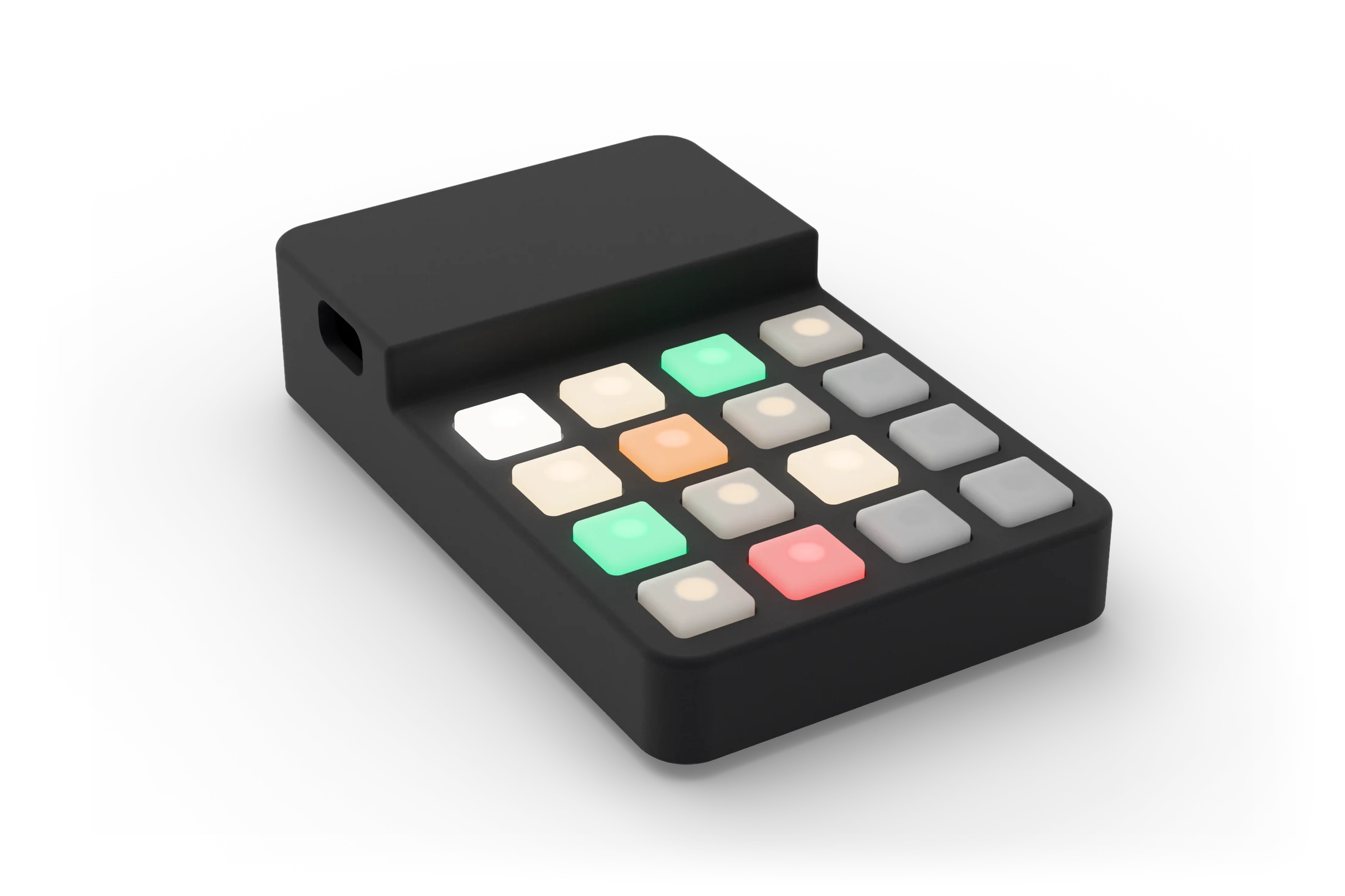
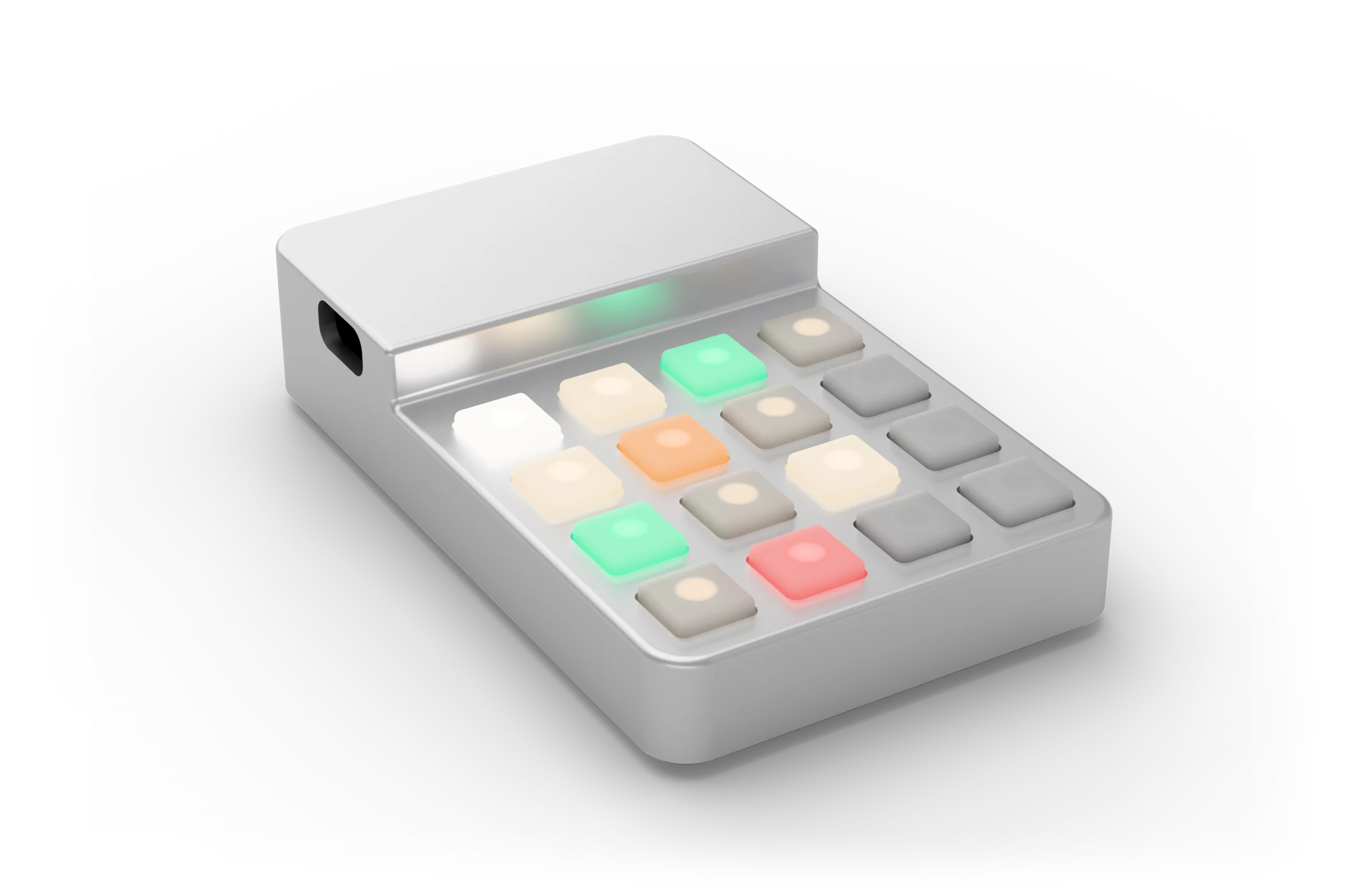
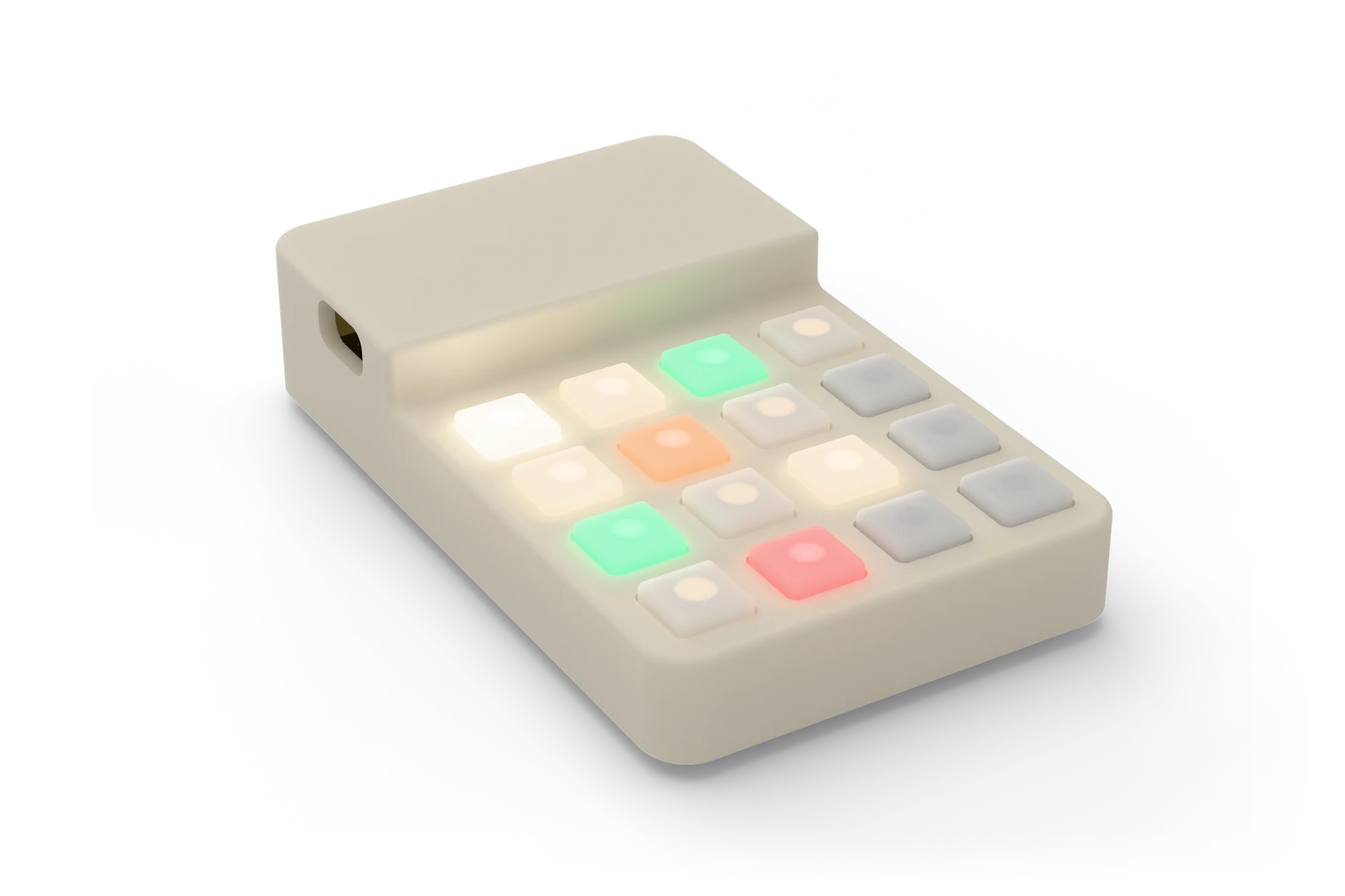
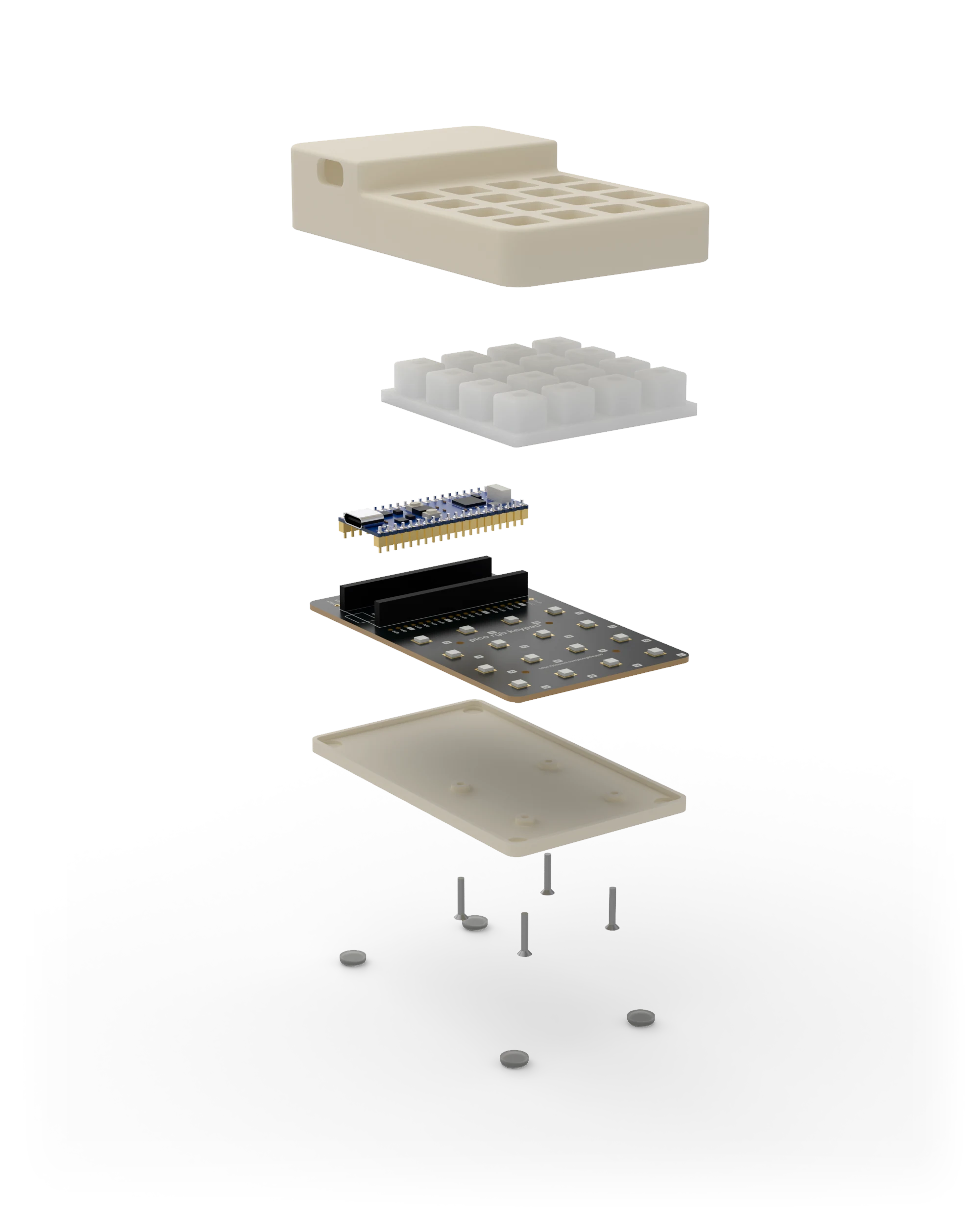
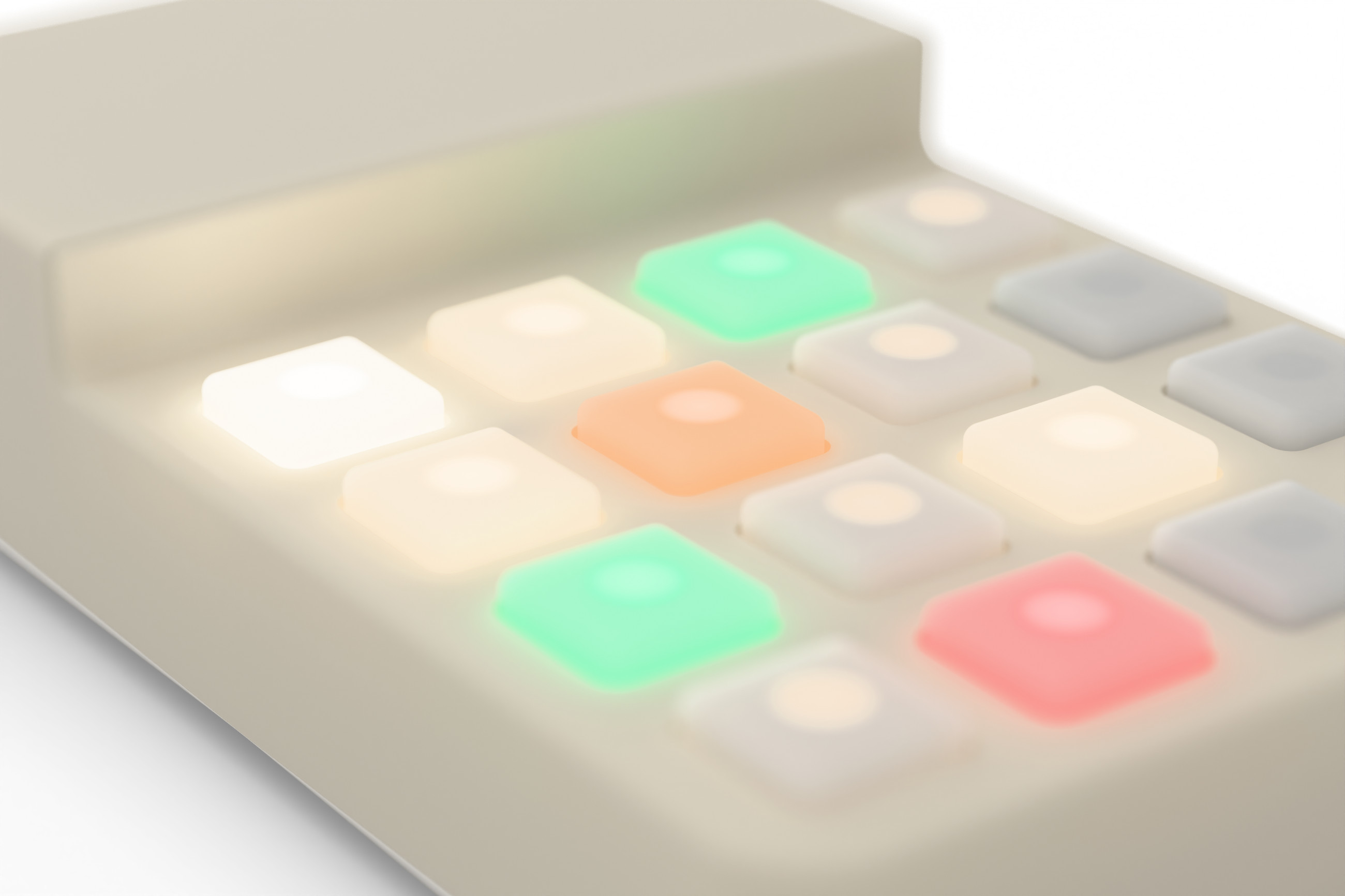
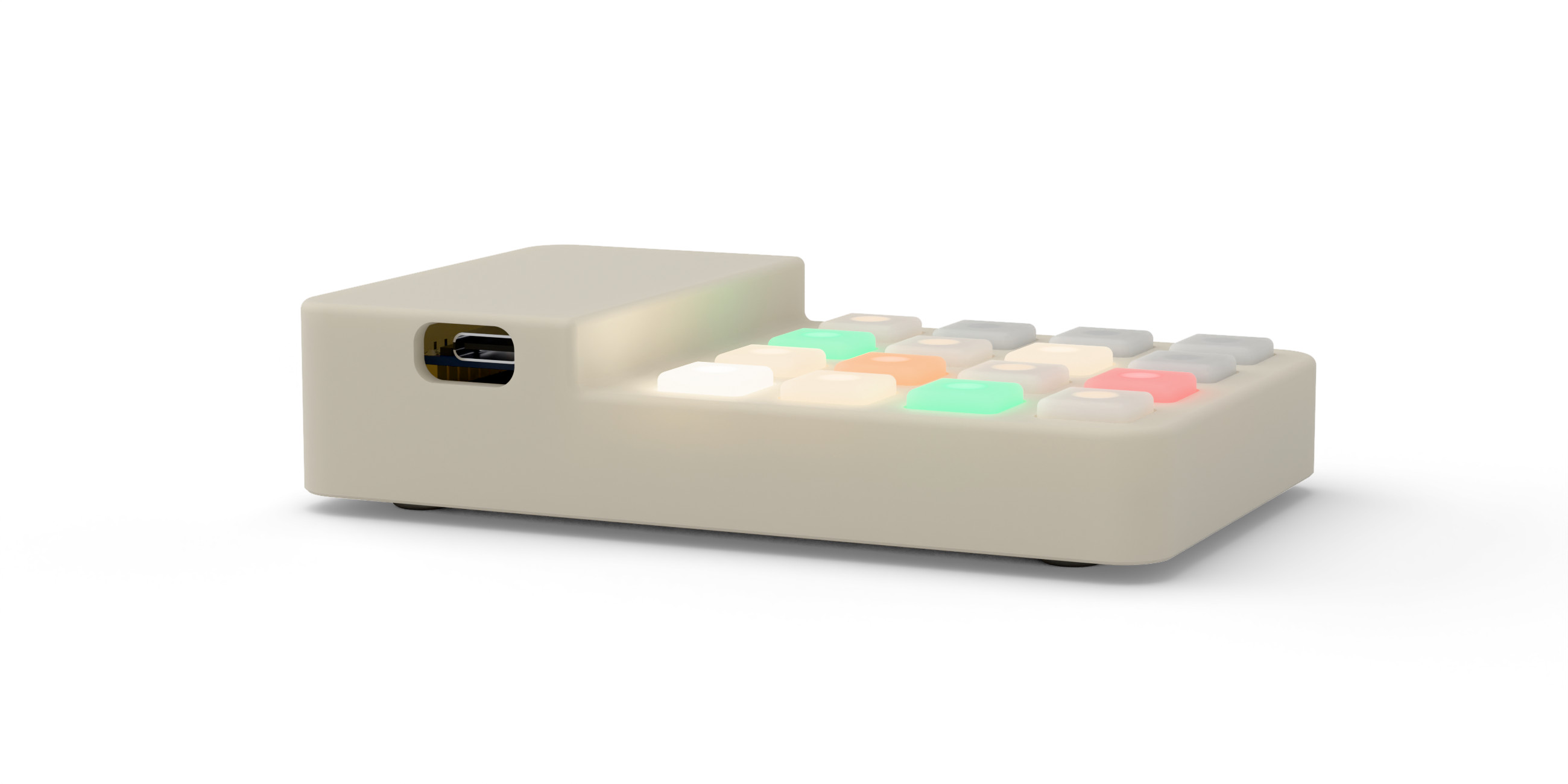
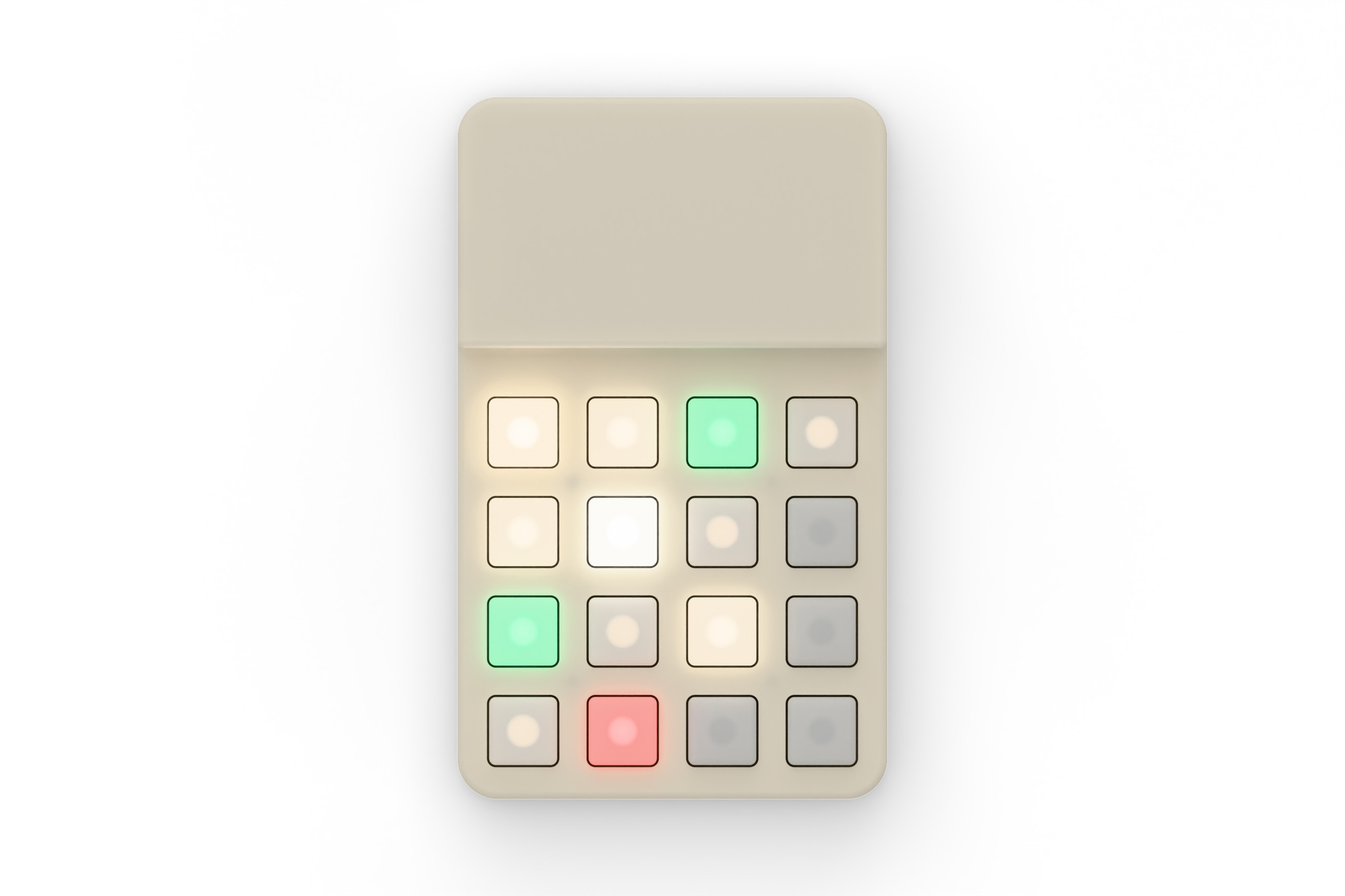
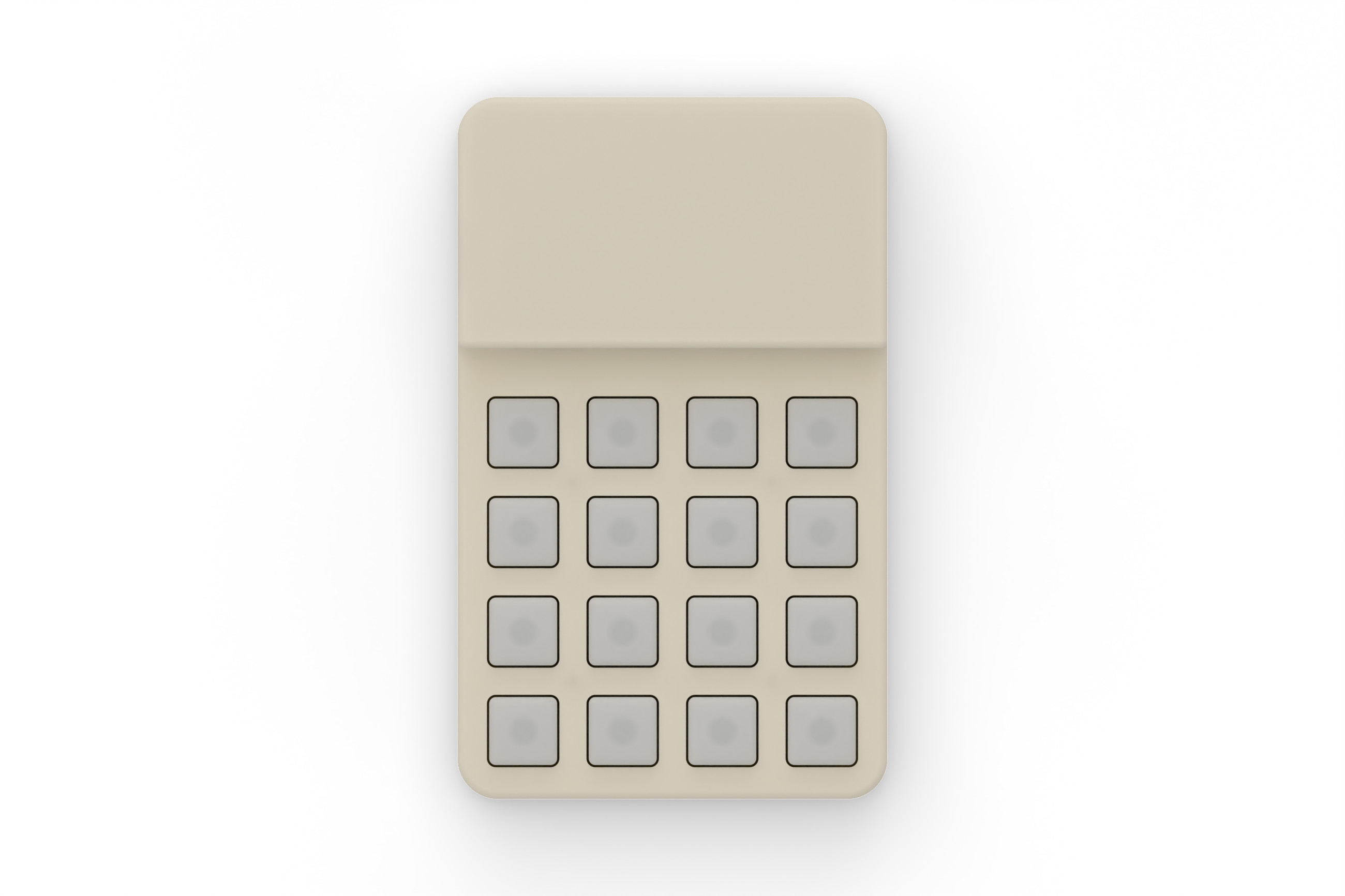
millimetres. 15.1, measured, is the pitch of the pimoroni base itself; each cross is a key centre and an led. 14.5 mm at the key deck, 22.6 at the head, 24.8 with feet.
the key deck and the raised head in one part. the deck takes the place of the kit's faceplate and clamps the silicone onto the board. a usb-c slot in the left side.
the silicone pad that comes with the base, unchanged: a 3.1 mm web, and 10.3 mm keys on a 15.1 mm pitch, each with a light pipe. they stand 2 mm proud of the deck.
the keypad base, 59.9 × 101.2 mm, with the rp2040 board on its sockets. the kit's chrome feet stay on, in pockets in the base.
four countersunk m2 × 12 screws run up through the base, the board and the silicone into the deck, where the faceplate's screws went.
measure before ordering
the cad is measured from photographs of the real parts, to about ±0.3 mm across and ±0.5 mm in height. two numbers matter most for the fit; check them with calipers.
two boards off the shelf, both with published schematics, running open source firmware. nothing to solder.
the rp2040 board pushes into sockets already fitted to the keypad base. one usb-c cable to the mac.
it is 4 × 4, not the 4 × 8 of row proper: four sessions, four tabs each. enough to live with it on a desk.
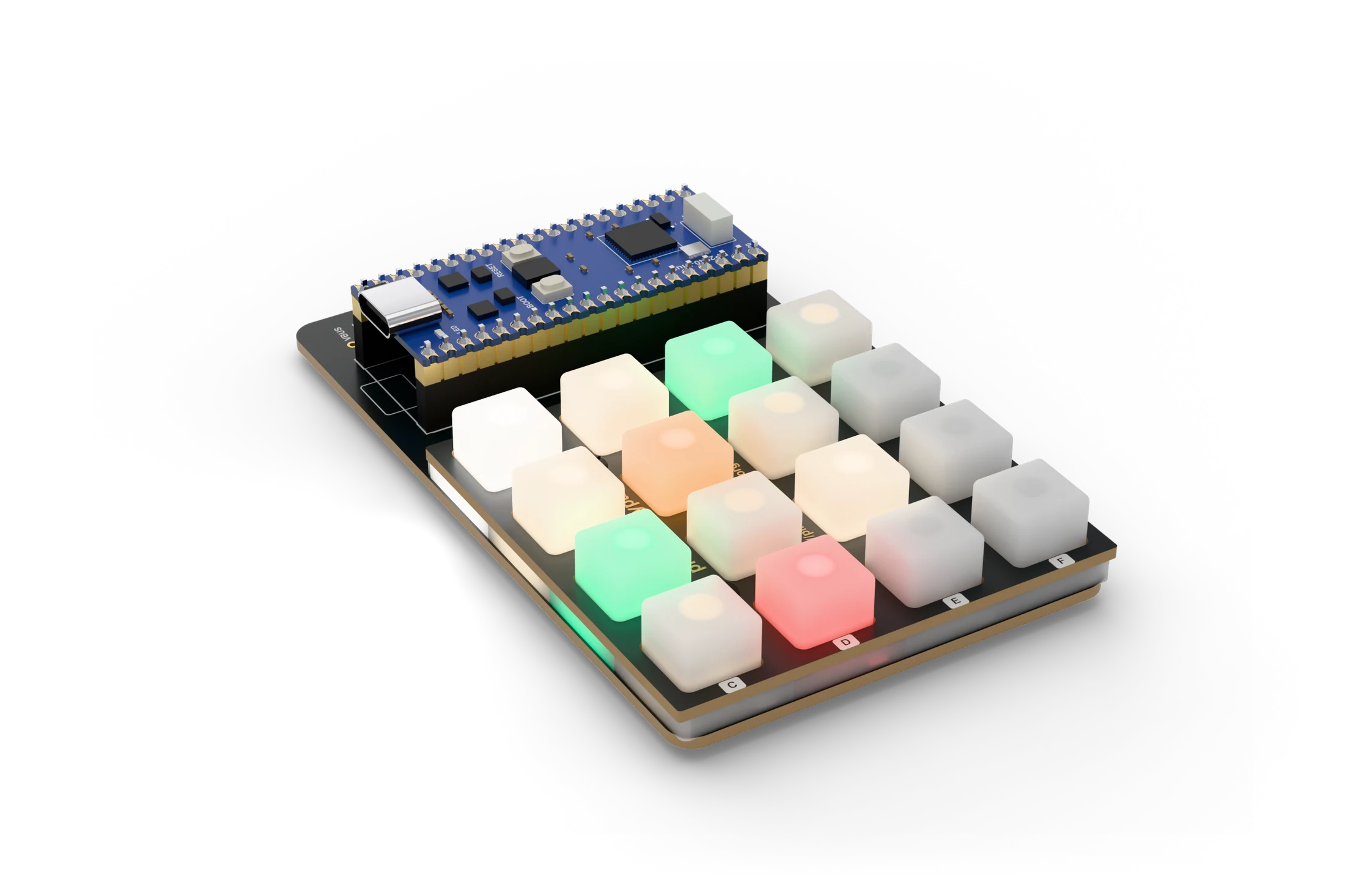
| pico rgb keypad base, pimoroni pim551 | a 4 × 4 pad of squishy translucent silicone keys. an apa102 rgb led sits under each key on spi; the keys are read through a tca9555 i/o expander on i2c. a black faceplate holds the silicone down with four screws, and sockets for a pico are already fitted. | £21.90 |
|---|---|---|
| waveshare rp2040-plus, 4 mb, headers fitted | the raspberry pi rp2040 on a pico-shaped board with a usb-c socket. it pushes straight into the base. a raspberry pi pico h also fits, with micro-usb. | £6.80 |
| usb-c data cable | a data cable, not a charge-only one, or the mac never sees the board. | one you own |
| case, optional | printed from jlc3dp or on a home printer. see the case, above. | £10–20 est. |
about £29 before delivery, at the prices listed by pimoroni and the pi hut in november 2026.
five steps, a usb cable and a mac running rex.
two small files on circuitpython 10.3.2, no libraries. the pad is dumb on purpose: it shows frames and reports keys. all meaning lives on the mac.
motion runs on the pad: breathing, pulsing and 180 ms fades between states, so the mac only speaks when something changes.
with no word from the mac for 8 s it shows a slow warm wave, so a stale grid never pretends to be live.
mac -> pad   F<16 × rrggbba>   whole grid. a = animation: 0 solid, 1 breathe (2.4 s), 2 pulse (0.8 s)
             B<0-31>           global led brightness
             ?                 identify -> "row-keypad 4x4 1"
pad -> mac   K<index> <1|0>    key down / up
the base has no pull-up resistors on its i2c lines, and circuitpython refuses to start i2c without them. so the keys are read over a small bit-banged i2c on the internal pull-ups of the rp2040, as pimoroni do in their own code.
usb keyboard and midi are switched off. a usb keyboard makes macos open its keyboard setup assistant. the pad talks over a second usb serial channel instead.
every led gets its own 5-bit current setting as well as its 8-bit colour, so the dim states fade smoothly instead of stepping.
the circuitpy drive is hidden, so pulling the cable never corrupts it or warns that a disk was not ejected. hold any key while plugging in to bring it back for an update.
rowd.py keypad: stdlib python, running in a rex tab. it asks rex for every tab's state about once a second, and sends the pad a new frame when anything changes.
it finds the pad by asking each usb serial port who it is, so any port works, and if the cable comes out it keeps looking until it is back.
the full api and the planned local api for other tools are on the aluminium page.
python3 -u rowd.py keypad       # four sessions × their first four tabs
python3 -u rowd.py keypad 1     # the same, with the pad turned a quarter (0–3)
open http://localhost:7502      # colours, levels, and how long done stays fresh

rex ls --json                                           # sessions -> rows
rex window ls -s session --json                         # tabs -> keys
rex block call -s session -b block program_status       # idle | working | done | blocked | error
rex -C client do session.select session_id=… window_id=…   # key press -> jump to the tab
done or old
the o is one key: 14 square, 2.5 corner. the space to the w is the 5 mm gap between keys. strokes 4, counters 6.